Application-led selection

Design from the viewing condition outward.

The right LED system begins with the audience, environment, content and service plan. Use these application paths to narrow the platform before specifying the product.

Seven project contexts

Different spaces ask different questions.

Each route highlights the decision that most often changes pitch, cabinet, brightness or processing.

CONTROL / 01

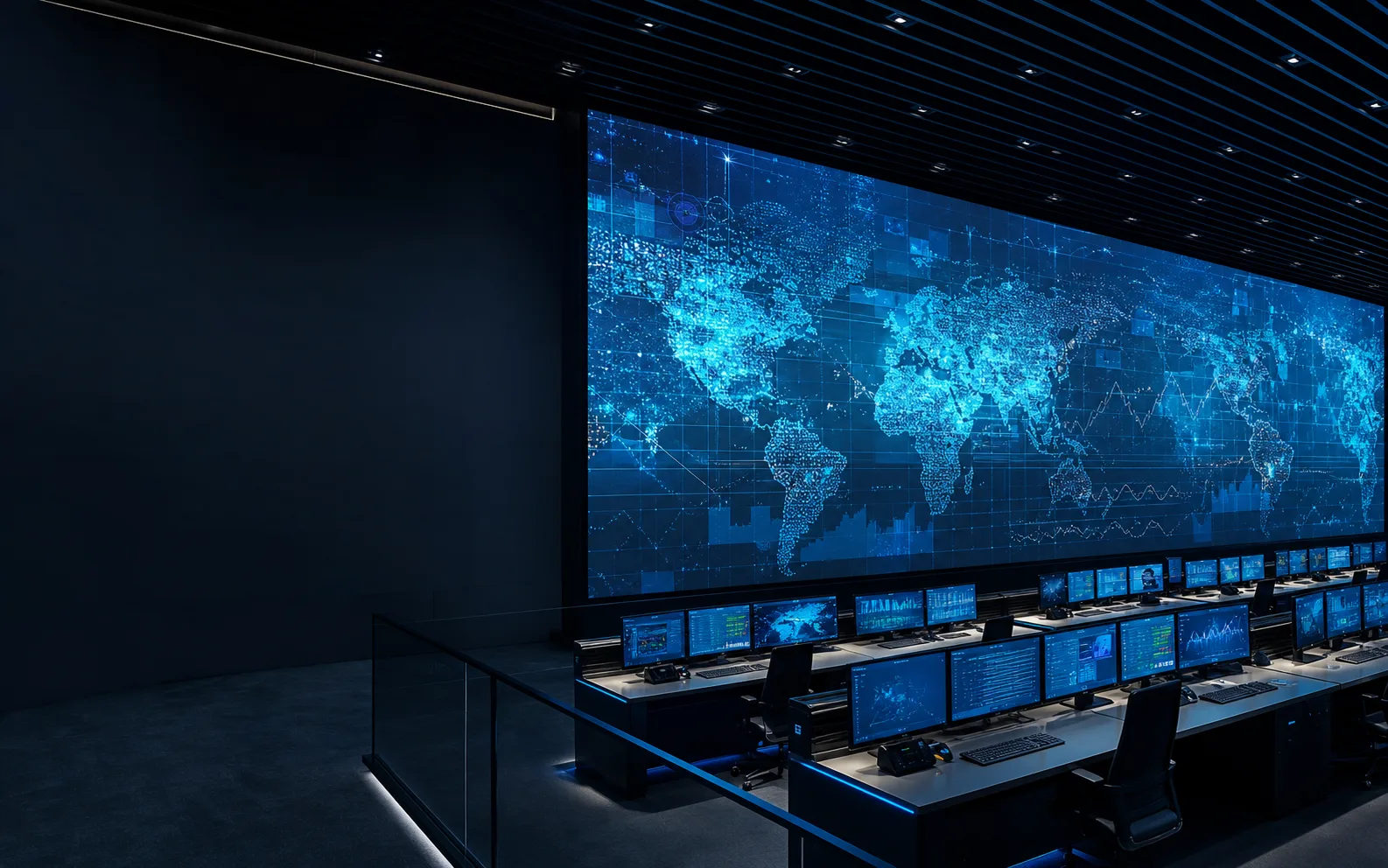
Control and command

Prioritize close-view detail, low-brightness grayscale, signal resilience and front service for 24/7 environments.

  • Start with NX-COB Micro or NX-MIP Ultra
  • Map operator distance and source resolution
  • Plan redundancy and maintenance access
CORPORATE / 02

Corporate and education

Balance readable detail, camera performance, acoustics and simple service inside finished architecture.

  • Start with NX-Board Pro or NX-FlexView
  • Confirm 16:9 source and canvas geometry
  • Coordinate wall finish and cable paths
BROADCAST / 03

Broadcast and virtual production

Frame-rate, scan behavior, color pipeline and camera angle matter more than headline brightness.

  • Start with NX-MIP Ultra or NX-Rental Carbon
  • Test camera and processor workflow
  • Align refresh and grayscale requirements
RETAIL / 04

Retail and experience centers

Use pitch, surface finish and geometry to bring content close to customers without exposing technical clutter.

  • Start with NX-FlexView or NX-Corner
  • Plan corners, entrances and dwell distance
  • Coordinate content-safe aspect ratios
OUTDOOR / 05

Outdoor commercial

Brightness, environmental protection, thermal behavior and service access define long-term usefulness.

  • Start with NX-Outdoor Fine or NX-Facade Pro
  • Study sun path and local ambient limits
  • Confirm structure and compliance scope
VENUE / 06

Sports and venues

Viewing zones, impact exposure, control topology and content types shape every part of the system.

  • Start with NX-Perimeter or NX-Facade Pro
  • Separate close and long viewing zones
  • Plan protective hardware and spares
LIVE / 07

Live events and touring

Handling speed, rigging, camera refresh and repeatable alignment must survive every load-in.

  • Start with NX-Rental Carbon or NX-Tour Outdoor
  • Define hanging, stacking and curve needs
  • Plan road cases, spares and crew workflow
CUSTOM / 08

Creative geometry

When the canvas bends, corners or becomes a floor, mechanical engineering becomes part of the content design.

  • Start with NX-Corner, NX-Creative Curve or NX-Floor Interactive
  • Exchange CAD geometry early
  • Validate load, edge and service conditions
Technical control room using a large fine-pitch LED visualization wallRepresentative application visualization

Integrator brief

Six inputs create a useful recommendation.

01

Canvas width, height and intended resolution.

02

Closest, typical and farthest viewing distance.

03

Indoor or outdoor ambient-light condition.

04

Front, rear or mixed maintenance access.

05

Content sources, processor and redundancy needs.

06

Installation schedule, shipping constraints and compliance scope.

Bring the brief

Turn an application into a practical short-list.

Download the catalog to compare families, then schedule a project call for a configuration review.